Start with an MP3 or WAV
Upload your music in the editor, or use the built-in Demo to explore the visual styles.
An audio spectrum visualizer turns changing frequency energy into motion. Audoriva gives you bar, ring, waveform, and particle-based looks that respond to your uploaded track.
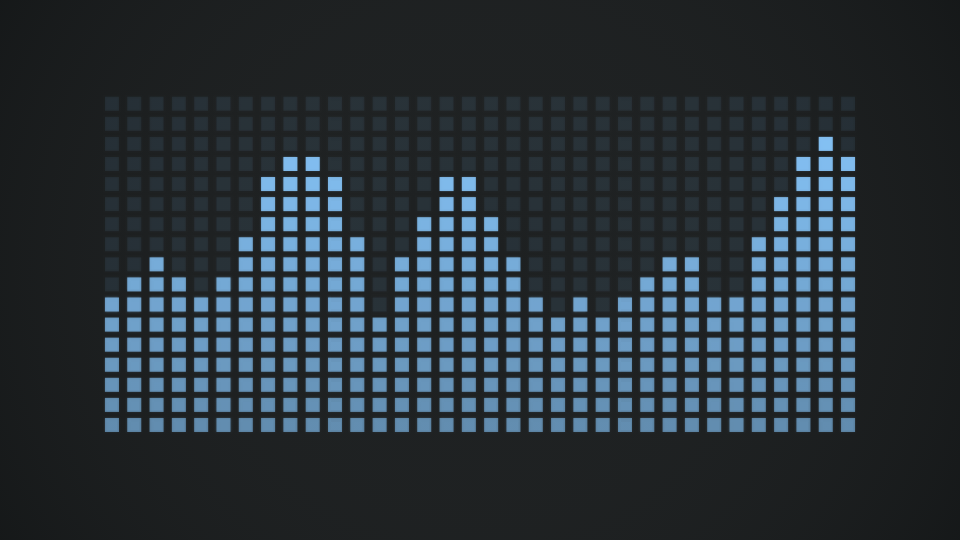
Different audio visualizers emphasize different kinds of movement. Experiment with clear frequency bars or more abstract shapes to find a look that fits the song.
Upload your music in the editor, or use the built-in Demo to explore the visual styles.
Equalizer emphasizes bars and rhythmic energy. Other styles use circles, particles, or animated lines.
Tune the visual to match the track artwork or your video brand. Intensity and glow change its impact.
Use 16:9 for YouTube, 1:1 for square posts, or 9:16 for vertical social clips, then export.
The drawing engine uses changing audio-band data, so movement follows your track instead of being a pre-rendered loop.
Adjust glow and intensity without stretching the underlying visualizer.
Preview any of the 30 styles free. Export supported 2D browser formats free; Pro is for 3D and server formats.
Not exactly. A waveform represents changes in the audio signal over time; a spectrum represents how energy is distributed across frequencies. Visualizer styles can use either or a stylized mix.
Yes. Upload audio to drive the preview. The built-in Demo is also available to explore the visualizer interface.
Yes. Choose a YouTube, square, or vertical aspect ratio before you export.
No installation required. You can preview styles before choosing an export format.