Upload your beat
Drop in the MP3 or WAV you are uploading. The preview reacts to it right away.
Uploading beats every day means you need visuals that are fast, clean and move with the 808s. Audoriva turns your beat into an audio-reactive video for YouTube, with no timeline to build and no watermark on free exports. Built by a music producer who uploads beats too.
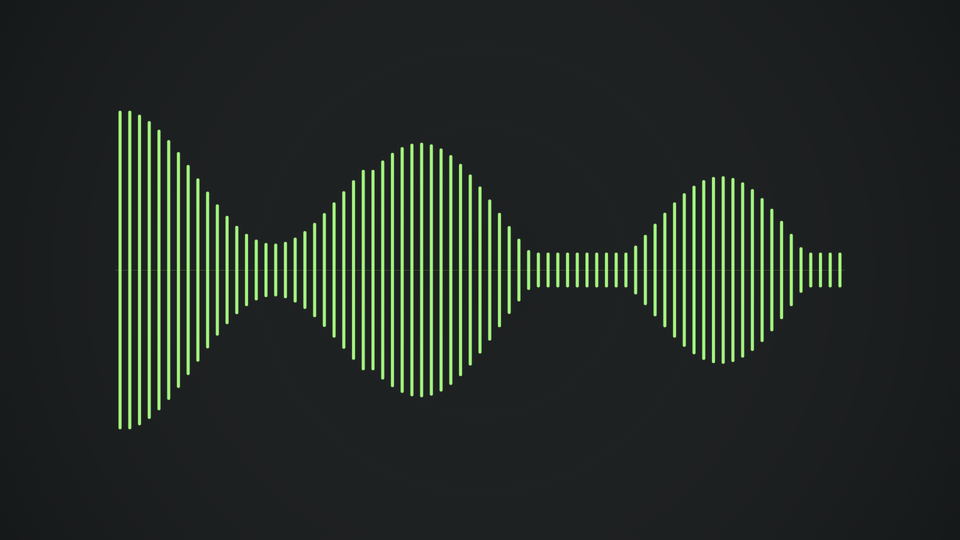
Free exports record in your browser in real time, so a three-minute beat takes about three minutes. Pro exports render on our server at 60 FPS.
Drop in the MP3 or WAV you are uploading. The preview reacts to it right away.
Classic, Equalizer and Pulse hit hard on rap and trap beats. Pro 3D styles like Black Hole and Neon Torus give your channel a look of its own.
Set a color that fits your channel or cover art, then dial in intensity and glow.
Choose 16:9 and 1080p, export, and upload to YouTube. Want your cover art behind it? Export with a transparent background and place it over your artwork in your editor.
Free exports have no Audoriva watermark, so your channel stays clean.
Reuse the same style and color every day so your videos look like one recognizable channel.
Switch to 9:16 for Shorts, Reels and TikTok previews of the same beat.
Yes. All 15 2D styles export free in supported desktop browsers as MP4 or WebM, with no watermark. Pro ($5.99/month) adds 3D styles, 60 FPS server exports and transparent MOV.
Free browser exports support tracks up to 10 minutes. Pro server exports cover up to four minutes.
Audoriva does not place artwork for you. Export the visualizer with a transparent background and lay it over your cover art in Premiere Pro, CapCut or another editor.
Choose 1080p. Free exports record at the full 1920x1080 resolution, and Pro exports render at 60 FPS.
No installation required. Preview any style free before choosing an export format.