Upload the clip
Use a short MP3 or WAV of the moment you want to share.
A moving waveform shows people that a clip is worth listening to, even with the sound off at first glance. Audoriva turns a podcast clip into an audio-reactive waveform you can post on its own or layer over a video of your guest.
Trim your clip first (most podcast apps and editors can export a short MP3), then bring it into Audoriva.
Use a short MP3 or WAV of the moment you want to share.
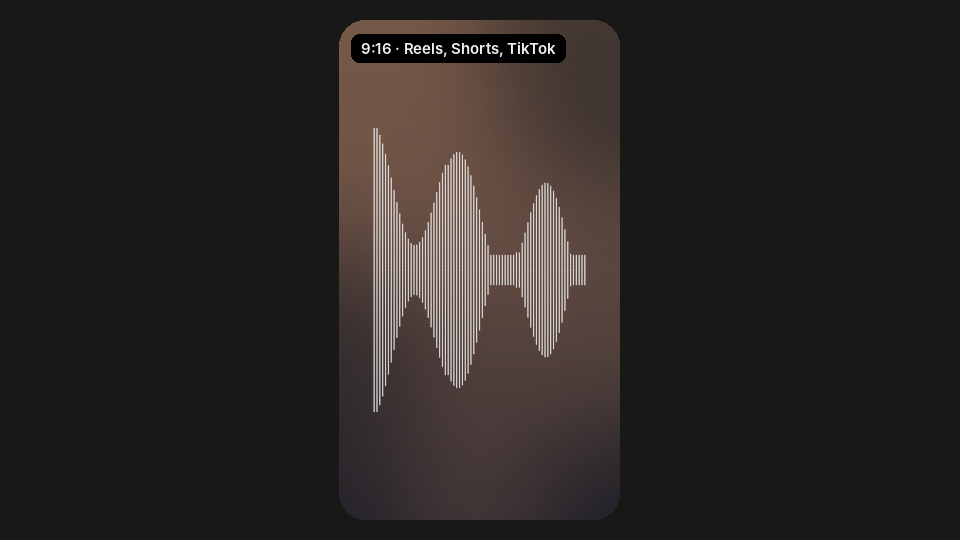
Waveform, Scope, Classic and Pulse read clearly at phone size.
Pick 9:16 for Reels, Shorts and TikTok, then choose 15, 30 or 60 seconds, or the full clip.
Export with a solid background to post as is, or with a transparent background to place over a video or photo of your guest in your editor, where you can add captions.
Vertical, square and widescreen sizes cover every platform.
Layer the waveform over video of your host or guest instead of a plain background.
2D styles export free in the browser with no watermark.
An audiogram is a short video of a podcast clip with an animated waveform, usually with artwork and captions. Audoriva makes the waveform part; add your artwork and captions in your video editor.
Not yet. Export the waveform with a transparent background and add captions in CapCut, Premiere Pro or your usual editor.
15 to 60 seconds works best for social clips. Pick 15s, 30s or 60s, or Full song to export the whole uploaded clip.
Free browser exports are processed on your device. Pro server exports upload the clip to render it, and the audio is deleted when rendering finishes.
No installation required. Preview any style free before choosing an export format.