Design the visual
Choose a style in Audoriva. 3D styles like Stellar 3D, Black Hole and Glass Helix support two colors.
After Effects can build an audio spectrum from scratch with its Audio Spectrum effect, keyframes and plenty of render time. Audoriva gives you a finished audio-reactive layer, including 3D styles, that you import and composite like any other footage.
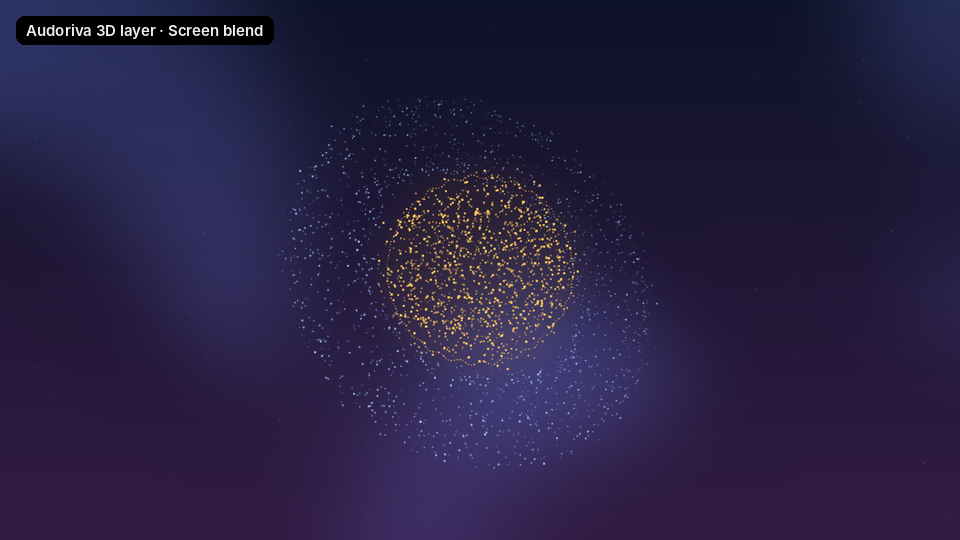
Use the same audio file in Audoriva and in your composition, so the visual stays in sync.
Choose a style in Audoriva. 3D styles like Stellar 3D, Black Hole and Glass Helix support two colors.
Set Background to Transparent and Quality to Professional, then export a Transparent MOV (lossless) or ProRes 4444 at 60 FPS. The free PNG sequence works too.
Choose File, Import, File and select the MOV. For a PNG sequence, select the first frame and enable PNG Sequence, then set Interpret Footage, Main to 15 fps.
Drop it into your comp above the background, set the layer Mode to Screen or Add, and animate position, scale or effects as usual.
Particle spheres, rings and helixes are drawn for you. No camera rigs or plugins.
It is a regular layer, so you can mask it, color grade it, blur it or track it to a scene.
Pro exports render on our server, so After Effects stays free for the rest of your project.
After Effects includes Audio Spectrum and Audio Waveform effects that you can build a visualizer with. Audoriva is the faster route when you want a finished, stylized, audio-reactive layer, including 3D looks.
Audoriva exports keep straight (unmatted) alpha. If edges ever look dark, open Interpret Footage and confirm the alpha is set to Straight.
Transparent MOV (lossless) keeps every pixel exact at a smaller size. ProRes 4444 is a solid choice if your pipeline is built around ProRes. A PNG sequence works on the free plan.
The export is a finished video layer. You can grade it in After Effects, but for a different color it is cleaner to change it in Audoriva and export again.
No installation required. Preview any style free before choosing an export format.